The assistant has to see the same record as the portal
Copying the timetable into ChatGPT is another reconciliation. AOKAI now includes a remote MCP server: the agent already in use queries and acts on live data, with the same role as whoever connected, and without irreversible writes.
AcademicOK ·
When the student asks ChatGPT which class they have tomorrow, and the answer comes from a screenshot, the institution has two truths again. One is in the system. The other is in a chat. Copy-paste is not an artificial-intelligence strategy. It is another Sunday spreadsheet.
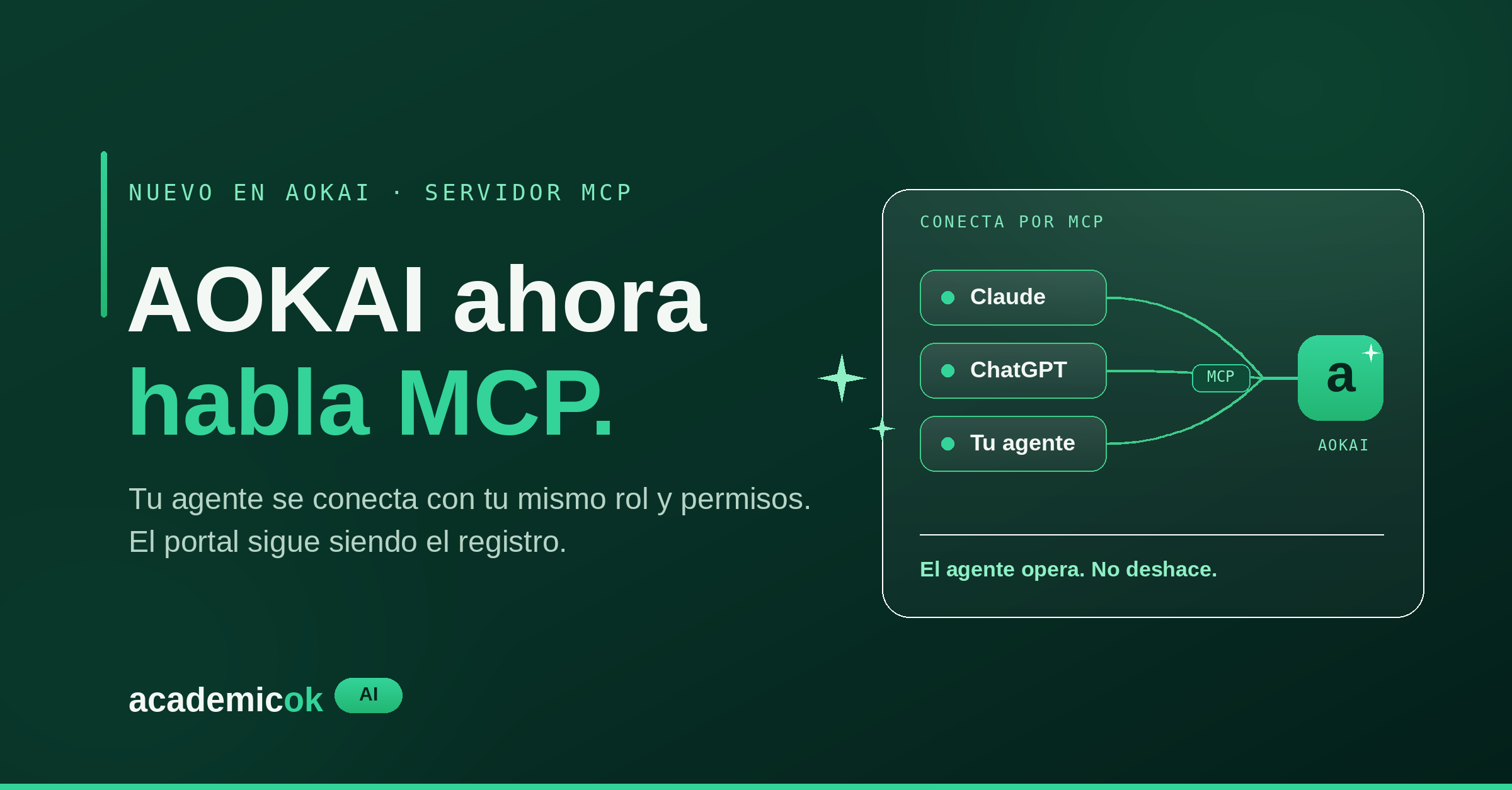
AOKAI now includes a remote Model Context Protocol (MCP) server. ChatGPT, Claude, Cursor, or another compatible client connects as the member who already signed in. It does not receive a superuser. It receives the same modules, the same student or instructor role, and the same staff permissions as the web app.
Any membership is enough to connect. That does not mean seeing everything. The student does not run finance. The instructor does not convert an admission. Staff do not open a class that is not theirs. The protocol inherits the scope; it does not invent it.
This is the operational half of Bring Your Own Agent. The portal remains the system of record. The agent becomes another client of that record — not a second database, and not a paste buffer.
Identity first, then tools
AOKAI does not accept a session copied from the browser. A Supabase JSON Web Token — the one the web app uses — is never accepted on the MCP door. The external client completes OAuth 2.1 with PKCE and receives a short-lived MCP access token, bound to one person and one organization. Access lasts minutes and then refreshes. Reuse of a revoked refresh token kills the family.
Sign-in stays the same email one-time code the community already uses. The first connection opens a consent page: pick the institution you belong to, then allow. The agent is bound to that organization. It does not cross campuses or accounts because the user asked in chat.
Revoke later in Connected apps, on the same account. If the token is gone, the agent is gone. The record is not.
The role is the scope
Every tool listing and every tool call re-checks membership, role, and module permissions — the same checks as the web app. There is no shortcut of “the model is already authenticated.”
- Studies tools are visible only to a student.
- Teaching tools, only to an instructor.
- Staff see admissions, enrollment, finance, the curriculum map, or HR according to the modules they already have.
If a tool is missing, that person does not have that module or that role. The model should not invent names. Institutional catalogs — departments, study modes, grading scales — list only what that person can already see; a pick outside scope is refused.
Orient before writing
The tool set is large on purpose: it covers the same domain as the portal. A well-behaved client does not load every schema at once. AOKAI gives it a short path.
- Who the person is: organization, student, instructor or staff flags, and system role names.
- Which modules they can already use.
- A guide to the domain or to a common workflow: enroll a student, issue an invoice, review an applicant, open the period, run a class.
- Then search people, programs, and applicants by name, with the same visual scope they already have.
Lists are paginated — twenty results by default, fifty at most. One call cannot dump the term into the chat. The model works with pages. The record is not poured out.
For the student: the term, in conversation
The student already looks at the phone for the timetable. With MCP, the agent they already use reads the same live data, not a PDF exported last week.
- Program enrollments and the studies dashboard.
- Assigned courses, one course in detail, open sessions, and the attendance mark.
- Weekly schedule.
- Transcript and visible file documents.
- Self-enrollment window, offerings, and blockers.
- Complementary short courses: open offerings and, if the seat is there, the registration.
- Campus mail: inbox, unread count, and send to people in the organization.
Questions stop being screenshots. “What do I have tomorrow?” is the schedule. “How am I doing in Calculus?” is the record. “Can I still enroll?” is the window and its blockers. “Sign me up for the short writing course” is a write against the same offering the portal shows.
The agent answers with the record, not a guess. If the blocker exists, it says so. If the document is in the file, it gives the name and the link. It does not reconcile a photo with a spreadsheet.
For the instructor: run the class by talking
The instructor’s tools are not a read-only portal. They operate the section. The teacher who already uses Claude to plan a class can, in the same chat, look at and move what the classroom already records.
- Dashboard, sections, and weekly schedule.
- Open a lesson — it closes other open lessons in the section first — and close it; take attendance on the roster.
- Update topic, content, notes, and bibliography; attach or remove a session file.
- Syllabus plan: units, themes, contact, autonomous, and practice hours; submit for review or return it to draft.
- Course documents, homework, submissions, and who has already uploaded the file.
- Late-open and late-grade requests when the term no longer allows it.
“Who was absent last session?” is the roster. “Open today’s class” is a write. “Submit the plan” is the same review queue staff already see. The classroom and the agent look at the same section.
Campus mail is here too. It is not a studies module: the instructor keeps it. A notice to the section does not need a second inbox.
For staff: the operation, without a second desk
This is where a student-information system earns MCP. Staff with the right modules work the term from the agent they already use — no export, no paste, no second truth.
In admissions: see applicants, the application form, documents, a short-lived download URL, review status, or convert to enrollment. Admission campaigns — offerings and document requirements — are read and updated; they are not deleted over the protocol.
In academics: programs, courses, periods — including enrollment policy and teacher-planning flags — level offerings, sections, the section roster, term registration, assigning and moving courses, classrooms, and schedule conflicts. Staff can enroll. They cannot withdraw. They can mark alumni or assign an advisor. They do not graduate or change program from chat.
In finance: the ledger, charge detail, issue a charge or an invoice, build a payment plan. Not void. Not revert. Not cancel the plan. The charge that should not exist is undone in the web app, by whoever already holds that key.
In the curriculum map: maps, subjects, modules, and itineraries; clone or deactivate a map; evaluation models, including an assisted draft that is not saved until someone confirms. Clearing a map’s content is not on the protocol.
In HR: personnel, invites, teacher profiles and CVs, job positions, roles, and modules. Invite. Update. Do not reset a password or deactivate an account. Do not delete a role.
Review inboxes — syllabus, late open, late grades, grade-entry windows — are the same as in the portal. Approving or rejecting from the agent leaves the same trail.
The domain is the same as the web app: organization, campuses, units, programs, maps, periods, offerings, sections, enrollments, finance. The agent searches by name before it writes. It follows a guide for a common workflow instead of guessing tool names. What it cannot do is unwind the institution. That is intentional.
What stays off the protocol
Irreversible writes stay in the web app, with the same people who already own them. The agent operates. It does not undo.
- Withdraw an enrollment, a term registration, or an assigned course; graduate; change program.
- Void or revert a charge; void an invoice; cancel a payment plan.
- Delete roles, permissions, modules, or curriculum-map content — subjects, modules, itineraries, clear the map.
- Reset a teacher password or deactivate a profile.
- Connect or disconnect Stripe.
- Upload an institution document through an ungated channel: on MCP, institution documents are URL and metadata, not a loose file.
Domain errors come back as text the model can explain — seat, closed window, permission, schedule conflict — not as a silent 500. Chat is not a place where the institution disappears without a trail.
Connect once
In the account, Connected apps shows the institution’s MCP URL. Point ChatGPT, Claude, or Cursor at that URL. The client discovers OAuth, registers itself, and opens consent. Sign in with the same email and pick the organization. From then on, the client only sees tools for the modules that person already has.
Claude Desktop and other MCPB-compatible apps can install a .mcpb bundle from the same page — the older .dxt name is the same file. The first launch opens AOKAI to authorize. Node.js 18 or later is required. Clients that already speak remote Streamable HTTP and OAuth can keep using the URL.
The system of record stays the system of record. The agent is a client. Whoever runs the term stops reconciling screenshots. That is the whole design.